What Photos Work Best

Better inputs lead to better outfit previews

Use a clear pose and clean garment photos to get more believable try-on results and stronger outfit decisions.

Quick checklist

Get cleaner inputs in under a minute

Use this before you upload. You do not need pro photos, just a clear pose and clear garment shots.

What makes a good pose photo?

  • 1

    Keep your full body in frame

    Leave a little space around your head and shoes so the generated look has room to stay natural.

  • 2

    Use even lighting

    Natural window light or bright indoor light helps your face and outfit details stay clear.

  • 3

    Choose a steady pose

    A still, relaxed stance works better than action shots, heavy motion blur, or angled mirror shots.
What makes a good garment photo?

  • 1

    One main garment per photo

    Upload clear photos of individual pieces so each item can be interpreted more consistently.

  • 2

    Show the full shape of the piece

    Flat-lay, hanger, or clean product photos all work when the outline of the garment is visible.

  • 3

    Avoid filters and heavy edits

    Color-accurate photos lead to more trustworthy style previews than heavily stylized images.

Compare

Pose photo examples

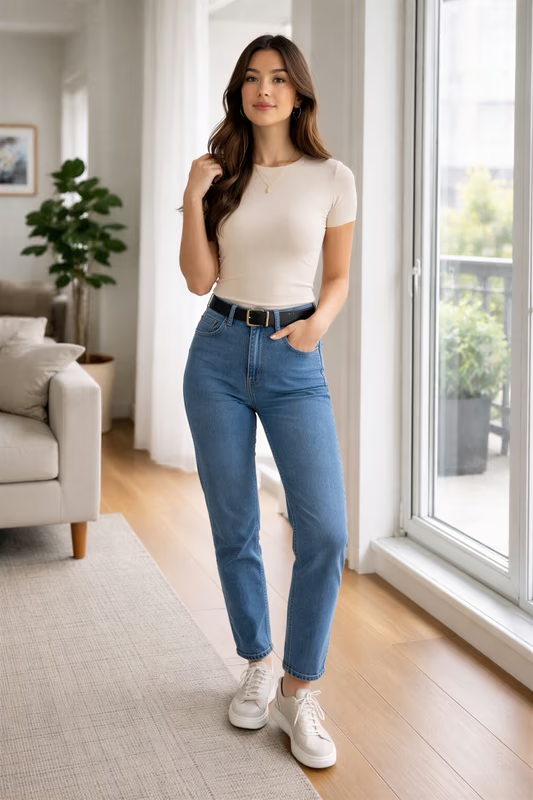
Good pose
Strong pose example showing Ryan standing clearly with his full body visible

Clear full-body pose with even lighting

Well-lit full-body framing with neutral posture, minimal visual clutter, and clear outfit details.

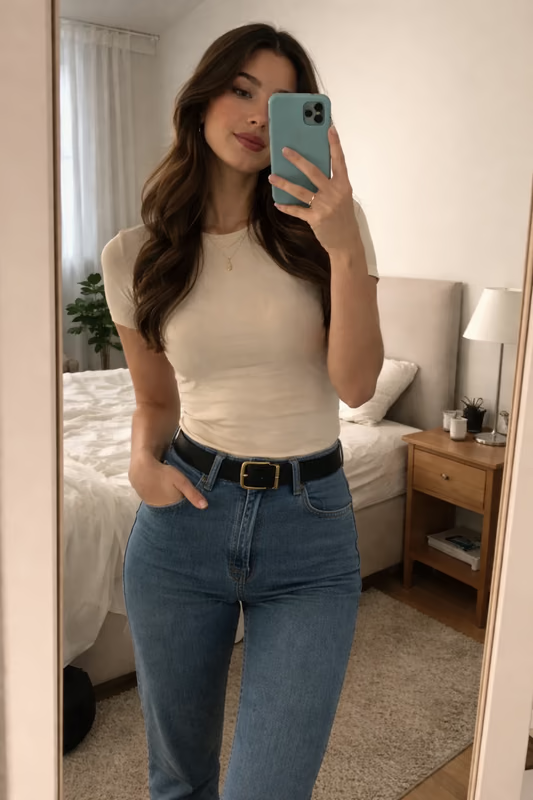
Poor pose
Weak pose example showing Ryan in a dim mirror selfie with part of his face covered by a phone

Mirror selfie in dim light

Phone covering part of the face, uneven lighting, and bedroom clutter make the input less reliable.

Compare

Garment photo examples

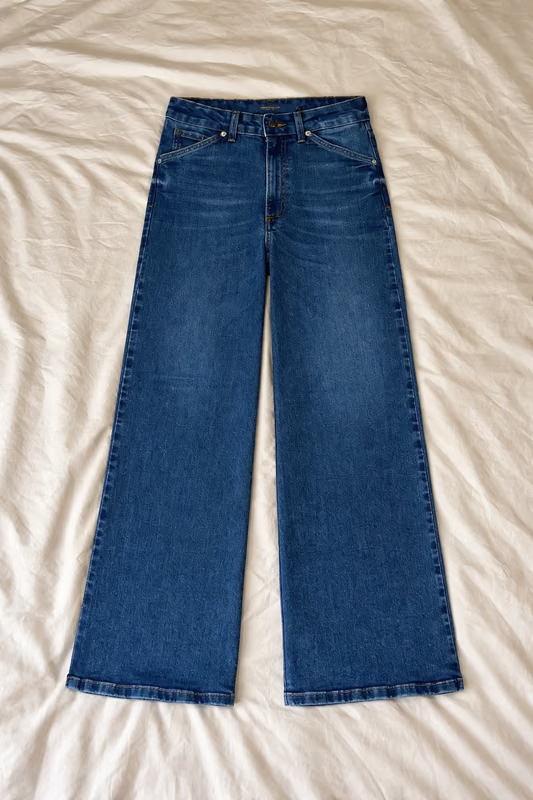
Good garment
Good garment example showing one pair of jeans laid flat and fully visible

One garment with a clear outline

A single item stays fully visible, with easy-to-read edges and a clean overall shape.

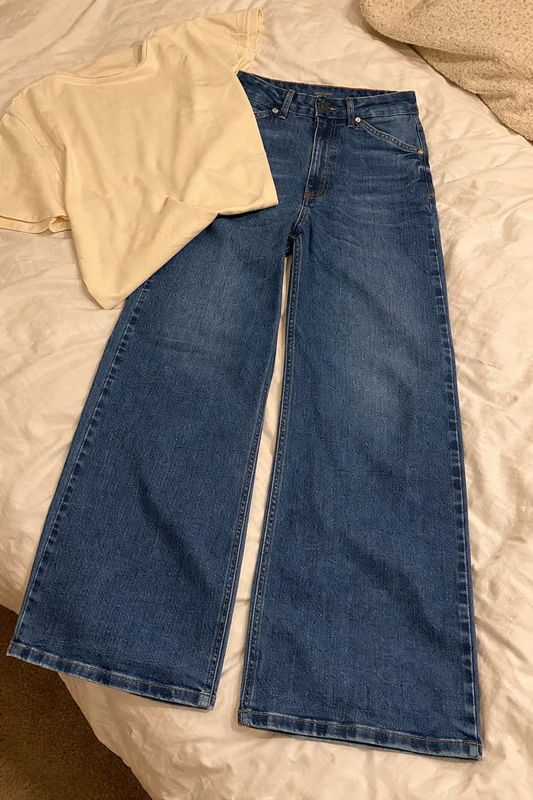
Poor garment
Poor garment example showing jeans partially covered by another garment

Overlapping garments in one frame

A second item covers part of the jeans, making the garment boundaries less clear.

Do

  • Start with your clearest phone photo before testing extra poses.

  • Crop gently when needed, but keep your full body visible.

  • Retake garment photos if edges blend into cluttered backgrounds.

  • Use this guide with the step-by-step flow on the How It Works page.

Do not

  • Do not expect exact fit or sizing prediction from generated looks.

  • Do not upload group photos, mirror selfies with obstructions, or low-light shots.

  • Do not combine multiple garments in one upload when possible.

  • Do not rely on screenshots with overlays, text, or stickers.

FAQ

What Photos Work Best

Ready to create a look? See how AI outfit try-on works

Ready to test your best photos?

Sign in, upload one clear pose and one garment, and create your next look with 10 free credits.

Sign in and generate a look

Use this page as your photo checklist before you generate